
Download X Live Wallpaper – live wallpaper, video wallpaper, desktop customization, dynamic desktop, personalized desktop, HTML wallpaper, web wallpaper, animated wallpaper, interactive desktop
Overview
X Live Wallpaper is a dynamic desktop customization tool designed for Windows users seeking to transform their static workspaces into vibrant, interactive environments. By enabling users to set videos, GIFs, HTML content, and live webpages as desktop backgrounds, the application introduces a new dimension of personalization and engagement. It addresses the common desire for more than just a plain desktop by offering a platform where users can express their individuality through dynamic visual elements. This tool is particularly useful for creatives, digital artists, and productivity enthusiasts who want their workspaces to reflect their interests and enhance focus or inspiration.
The app is built on the foundation of Lively Wallpaper, though it operates as a modified version tailored for specific user needs. While the developer did not provide detailed background information about the team or development history, the application’s release date of January 21, 2021, indicates it has been in the market for several years, suggesting a stable and tested user base. Real-world use cases include setting up live weather feeds, animated art displays, or real-time news updates as desktop backgrounds, all of which contribute to a more immersive computing experience. In the broader app ecosystem, X Live Wallpaper fills a niche for utility software that blends aesthetics with functionality, appealing to users who value both form and performance in their digital tools.
Key Features & Functionality
- Dynamic Wallpaper Options: Users can set videos, GIFs, and custom HTML content as their desktop wallpaper, bringing movement and life to otherwise static screens. This feature is ideal for users who want to showcase digital art, animations, or personal media collections.
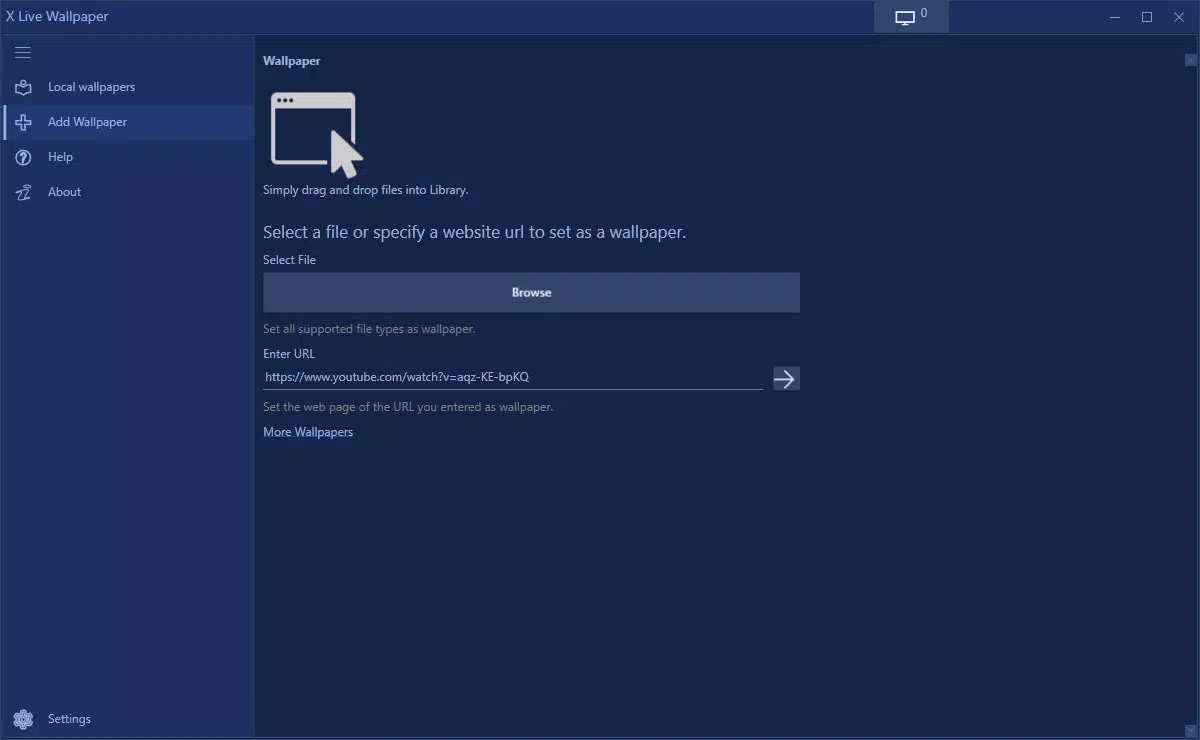
- User-Friendly Interface: The drag-and-drop functionality simplifies the customization process. Users can directly drag any supported file or webpage into the application to apply it as a live wallpaper, eliminating the need for complex configuration.
- Webpage as Wallpaper: A standout feature allows users to set live webpages—such as stock tickers, live blogs, or social media feeds—as their desktop background. This ensures real-time updates and continuous engagement with dynamic content.
- Free and Premium Versions: The app offers a fully functional free version with core features. A premium upgrade is available for $9.99 (lifetime) or $5.99 annually, unlocking advanced tools like a video cutter for trimming media before use.
- Customizable Experience: With support for multiple media types, users can tailor their desktops to reflect their unique tastes, whether through music visuals, animated themes, or interactive web content.
For example, a designer might use animated GIFs of their portfolio projects as wallpaper, while a student could display a live news feed to stay informed. The ability to integrate web content directly into the desktop environment enhances both utility and visual appeal, making the user experience more immersive and efficient.
Interface, UX & Performance
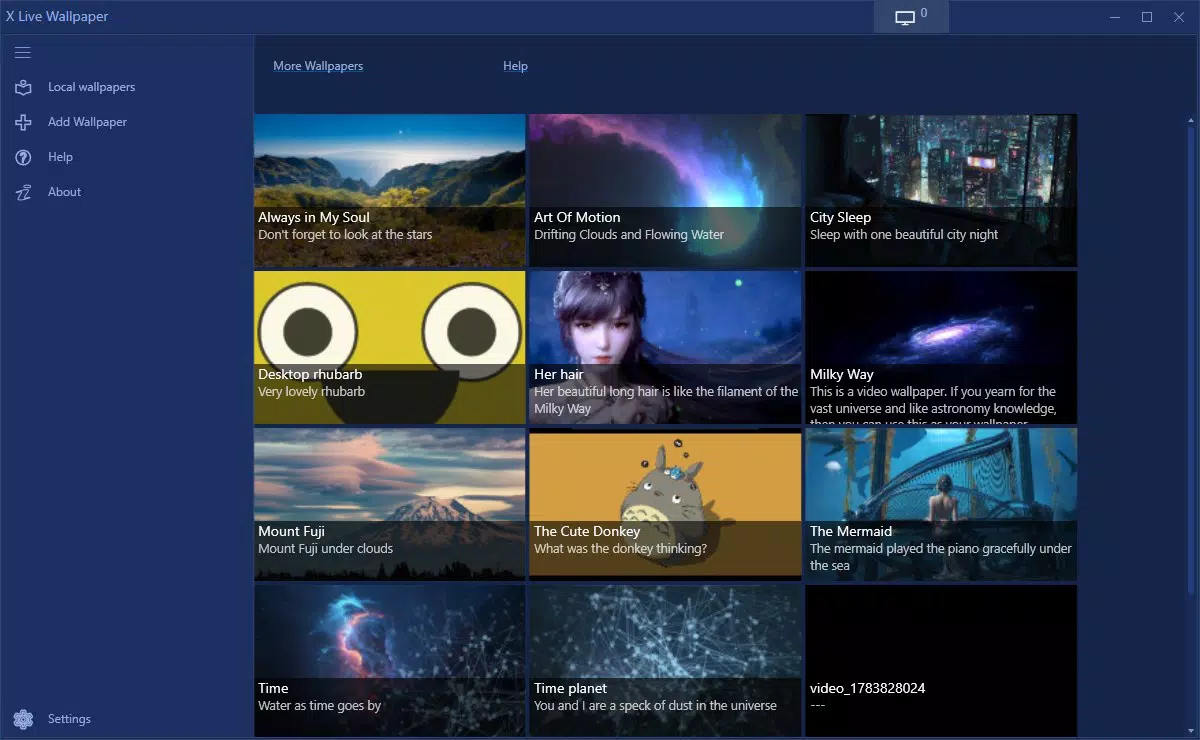
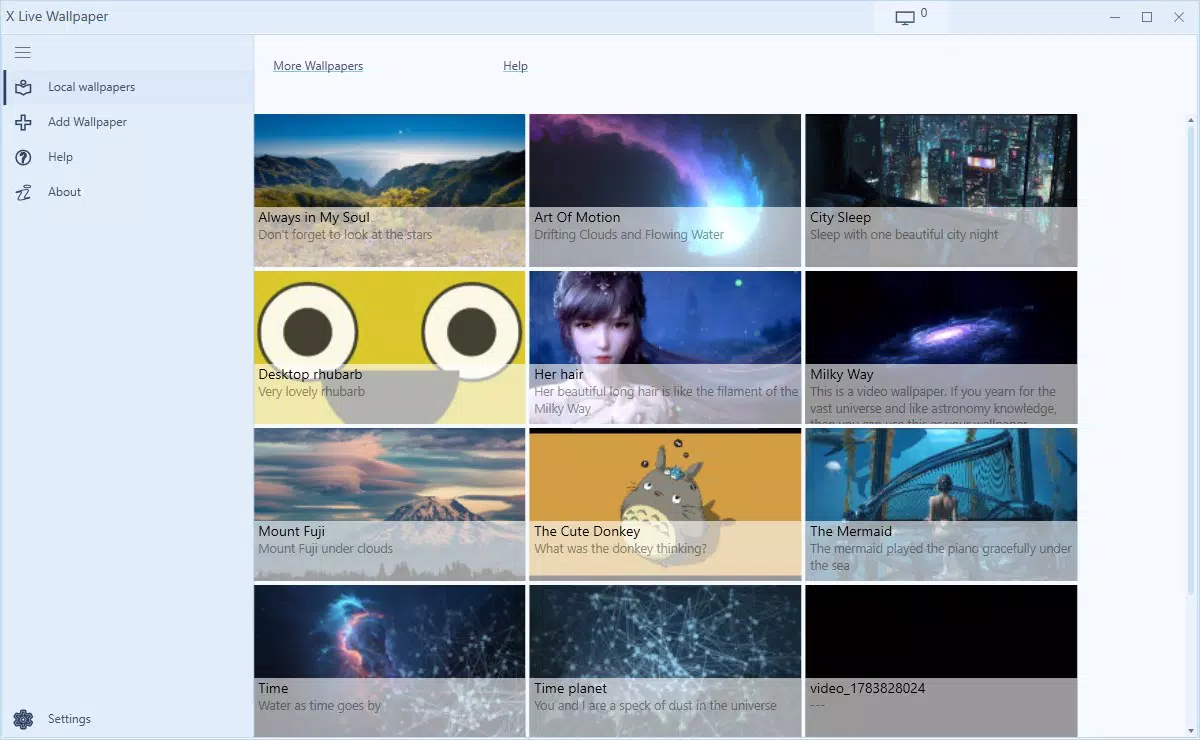
The user interface of X Live Wallpaper is designed with simplicity and efficiency in mind. It features a clean layout that prioritizes accessibility, allowing users to quickly navigate through their media library and apply settings with minimal clicks. Visual elements are organized logically, with clear icons and intuitive labels that guide users through each step of the customization process. The drag-and-drop mechanism is responsive and seamless, reducing friction during setup.
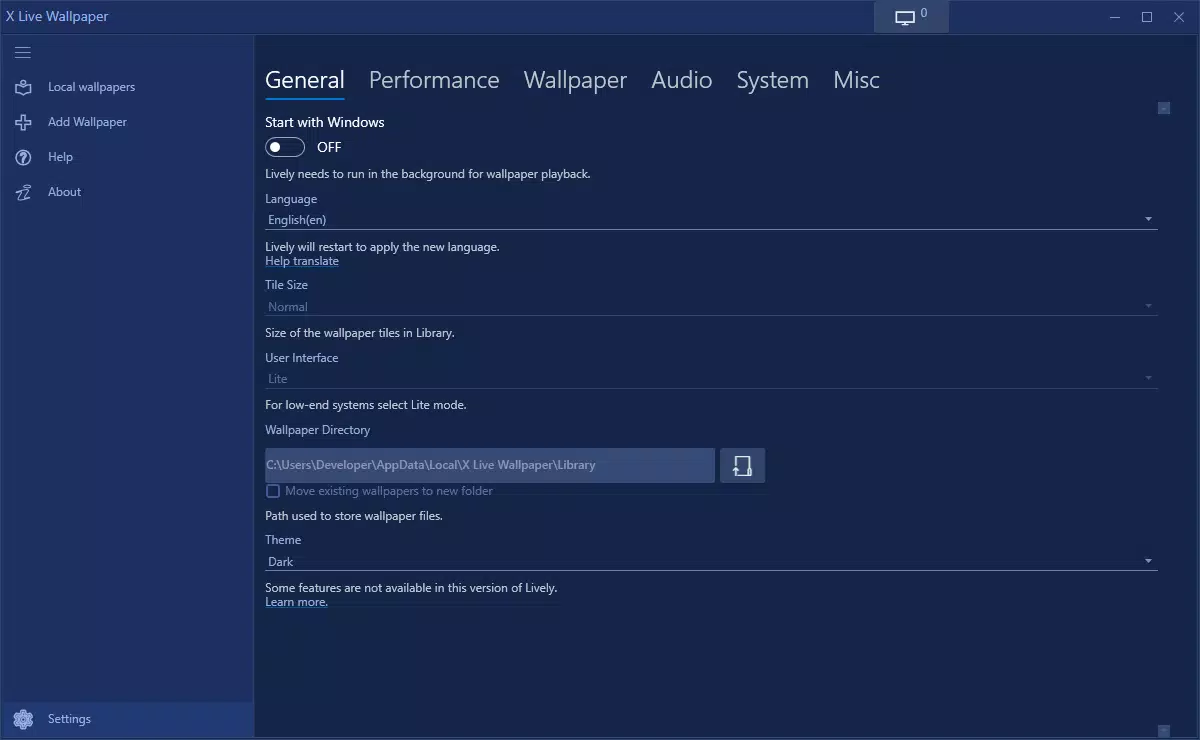
Navigation is straightforward, with a central panel for managing wallpapers, a preview window, and quick access to settings. The app maintains stability during prolonged use, though the developer did not list formal performance metrics. Although the file size is relatively small at 18.2 MB, the application manages to deliver smooth playback across various media types without significant lag.
Performance may vary depending on system specifications, but general compatibility with modern Windows devices is expected. The app remains responsive even when multiple dynamic wallpapers are active, suggesting efficient resource management. Overall, the user experience is polished and focused on delivering a hassle-free customization journey.
Platform Compatibility & Technical Requirements
X Live Wallpaper is exclusively available for the Windows platform. The current version is 1.0.11, with a file size of 18.2 MB. The developer did not specify minimum OS requirements, nor did they list compatibility details for older or newer Windows versions. However, given its release date in 2021 and its lightweight footprint, it is likely compatible with Windows 7 and later, including Windows 10 and Windows 11. Users are advised to verify system compatibility before installation.
Since the app is designed for desktop use, it does not support mobile devices. No additional hardware or software dependencies were mentioned. The installation process is straightforward, requiring no special permissions beyond standard access to desktop settings. The absence of detailed technical specifications means users should rely on general system readiness and stable internet connectivity for optimal performance, especially when using web-based wallpapers.
Pros and Cons
Pros
- Supports multiple media types including videos, GIFs, HTML, and live webpages as wallpapers.
- Intuitive drag-and-drop interface enhances ease of use for all skill levels.
- Free version includes most core functionality, offering strong value for users.
- Lightweight at 18.2 MB, minimizing system resource usage.
- Enables real-time content updates via live webpages as desktop backgrounds.
Cons
- Compatibility information was not fully disclosed; users may need to test on their systems.
- Platform is limited to Windows only; no mobile or macOS versions are available.
- Advanced features require a paid subscription, which may deter some users.
- Performance may vary on older or low-spec hardware.
- Developer did not provide detailed technical requirements or support documentation.
FAQ
Is X Live Wallpaper safe to download and install?
Yes, the app is available through trusted distribution channels and does not require suspicious permissions. Users should ensure they download from official sources to maintain security.
Can I use live webpages as my desktop wallpaper?
Yes, one of the core features allows users to set live webpages—such as news sites, stock trackers, or social media feeds—as dynamic desktop backgrounds.
Is there a free version of X Live Wallpaper?
Yes, a fully functional free version is available with access to most features. Additional tools like the video cutter are reserved for the premium tier.
Does X Live Wallpaper work on mobile devices?
No, the app is designed exclusively for Windows desktops and is not available on Android or iOS platforms.
How often does X Live Wallpaper receive updates?
While the developer did not specify update frequency, the app has been maintained since its release in 2021, indicating ongoing support.
Final Thoughts
X Live Wallpaper stands out as a powerful yet accessible tool for users who want to elevate their desktop experience beyond static images. Its ability to transform any media—videos, GIFs, HTML, or live web content—into a dynamic background offers unmatched personalization and engagement. The intuitive interface, combined with a generous free version, makes it an excellent choice for both casual users and professionals seeking a visually stimulating workspace. While its platform exclusivity to Windows and limited technical documentation are notable drawbacks, the app delivers strong value in its niche. For anyone looking to create a personalized, interactive desktop environment, X Live Wallpaper offers a compelling solution.
Download X Live Wallpaper now


